
Hundreds of AI Models.
One Unified API.
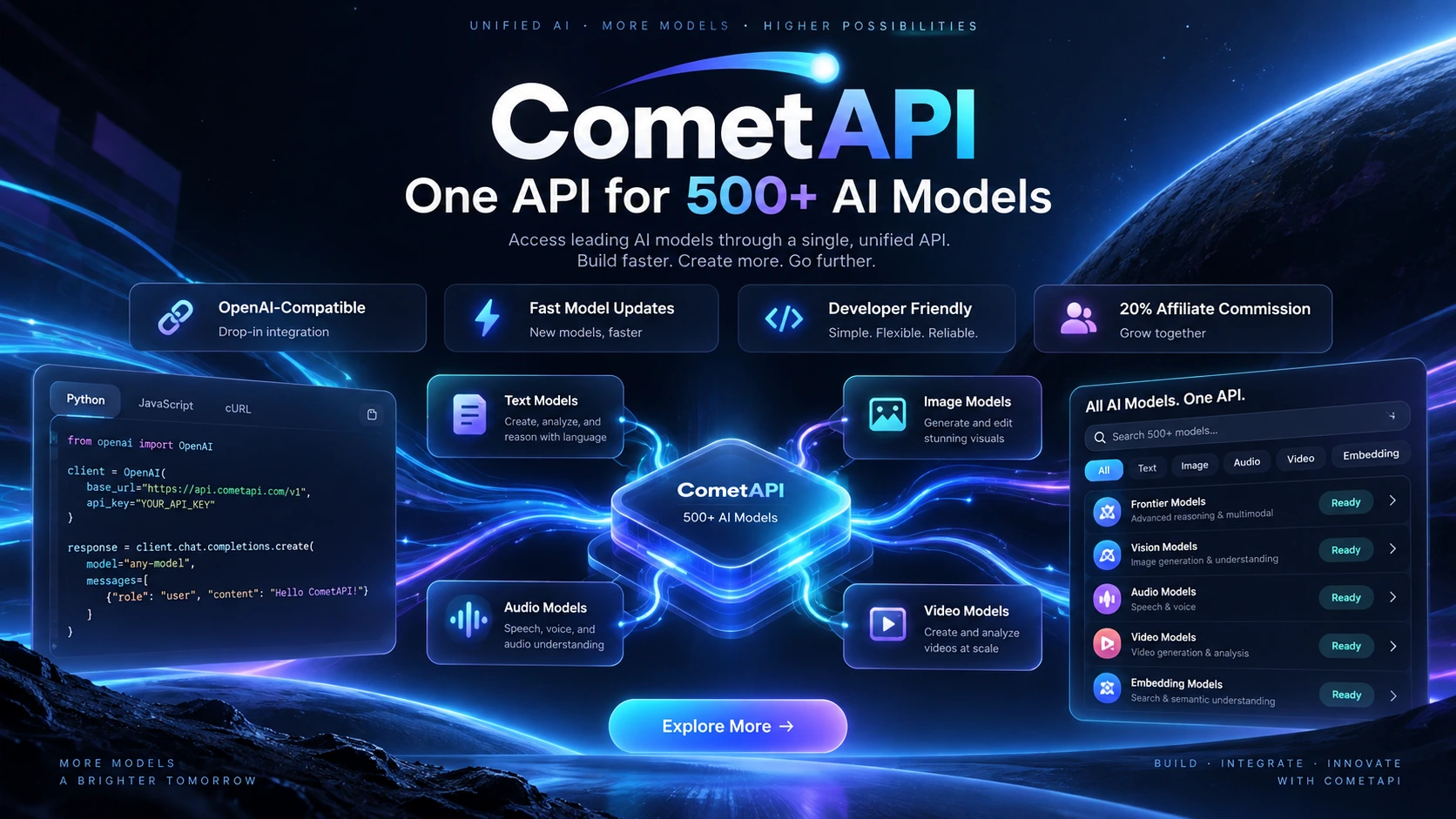
CometAPI gives developers a unified way to access many leading text, reasoning, image, video, and audio models through one developer platform, with OpenAI-compatible integration, consolidated billing, and optional intelligent model routing.
Simplify Multi-Model AI Access
Instead of maintaining separate credentials, billing relationships, and integration logic for many AI providers, CometAPI provides a common API layer designed for developers and production workloads.
Unified API Access
Use one developer account and a common API workflow to access supported model families instead of maintaining a separate integration for every provider.
OpenAI-Compatible
Existing applications that support an OpenAI-compatible endpoint can often integrate by changing the API endpoint, credential, and model selection rather than rewriting core logic.
Multi-Modal Coverage
Work with text, reasoning, image, video, audio, multimodal, and other supported AI workloads through one broader model platform.
Unified Billing
Consolidate usage across supported providers under one balance and billing workflow instead of reconciling multiple vendor accounts and invoices.
Competitive Model Pricing
Many models in the catalog are listed below their reference vendor pricing, with usage-based billing designed to make model experimentation and production deployment easier to budget.
Developer Operations
Use dashboards, usage visibility, cost controls, model comparison, documentation, and developer tooling to move from testing to production with less provider-management overhead.
A Broad, Fast-Moving Model Catalog
CometAPI brings multiple model families and modalities into one catalog, making it easier to compare options, test alternatives, and integrate the models that best match your application.
Don’t Want to Pick a Model Every Time?
CometAPI also provides auto and
auto-high routing options. Instead of
hard-coding
one model for every request, your application can let CometAPI select an eligible model according to
workload characteristics, required capabilities, configured routing, pricing, and availability.
model = "auto"
Designed as a balanced default for general workloads where quality, cost, speed, capability, and availability all matter.
Dynamic model selection
Mixed request types
Cost / speed / capability balance
model = "auto-high"
Prioritizes stronger model selection for quality-sensitive workloads where response quality matters more than minimizing cost.
Complex reasoning
Research and analysis
Higher-quality routing preference
A Familiar Developer Workflow
If your application already supports an OpenAI-compatible Chat Completions endpoint, a CometAPI integration can be straightforward. Authenticate with your CometAPI key, point the client to the CometAPI base URL, and select a specific model or an AUTO routing option.
from openai import OpenAI

client = OpenAI(
    api_key="YOUR_COMETAPI_KEY",
    base_url="https://api.cometapi.com/v1"
)

response = client.chat.completions.create(
    model="auto",
    messages=[
        {"role": "user", "content": "Hello!"}
    ]
)

print(response.choices[0].message.content)One Balance Across Supported AI Services
CometAPI uses usage-based pricing across its supported services, helping developers consolidate model spend while retaining the flexibility to use different providers and modalities.
Pay as You Go
Fund one account and consume supported model services according to their listed billing units, rather than maintaining a separate subscription for each provider.
Consolidated Billing
Track spend across supported AI services through one billing environment, simplifying cost visibility for multi-model experimentation and deployment.
Discounted Listings
Many catalog entries are currently presented below their reference vendor price. Actual discounts vary by model and should be confirmed before production use.
Where CometAPI Can Fit
A unified API layer is most useful when you want to compare, combine, or switch between multiple AI providers without turning provider-management into its own engineering project.
Developers & SaaS Teams
Add AI capabilities while keeping the application less tightly coupled to a single provider or model family.
AI Coding & Agent Builders
Evaluate coding, reasoning, tool-enabled, and agent-oriented models through one broader API environment.
Automation Builders
Connect AI workloads to automation platforms or custom pipelines while retaining access to different model categories as requirements change.
Model Evaluation & Prototyping
Compare different model families through a common integration and billing layer before choosing the best fit for a production workload.
Choose the Integration Model That Fits
A gateway can reduce multi-provider operational overhead, while direct APIs preserve the closest commercial and technical relationship with each individual provider.
| Capability | CometAPI | Direct Provider APIs |
|---|---|---|
| Common API workflow | Yes | Usually provider-specific |
| Multiple model providers | One platform | Separate accounts / integrations |
| Unified billing | Yes | Separate vendor billing |
| Automatic model selection | AUTO / auto-high available | Usually self-built |
| Provider portability | Higher across supported models | More provider-specific |
| Direct provider relationship | No — intermediary platform | Yes |
Before You Integrate
The most important distinction is whether you want a fixed model identity or a unified routing layer that can simplify access across multiple model providers.
What is CometAPI?
CometAPI is an independent third-party AI API platform that provides unified access to many AI model families through a common developer workflow.
Is AUTO a specific model?
No. AUTO is a routing option. The underlying model can vary according to request requirements, eligibility, routing configuration, capabilities, pricing, and availability.
When should I choose a fixed model?
Use a specific model when repeatability, model identity, exact capabilities, or controlled benchmarking matter more than dynamic routing flexibility.
Explore More AI Models with One API
Create a CometAPI account, review the current model catalog and pricing, test the API, and decide which models or routing strategy best fit your application.